AI product demos you can watch and question
Each product demo is a narrated video with an AI guide beside it that answers your questions by text or voice and points to the moment that shows the answer.
Choose a product demo
Every demo has a narrated video and the AI guide. Where a product has its own page, the demo opens there, so the product details sit right beside it.
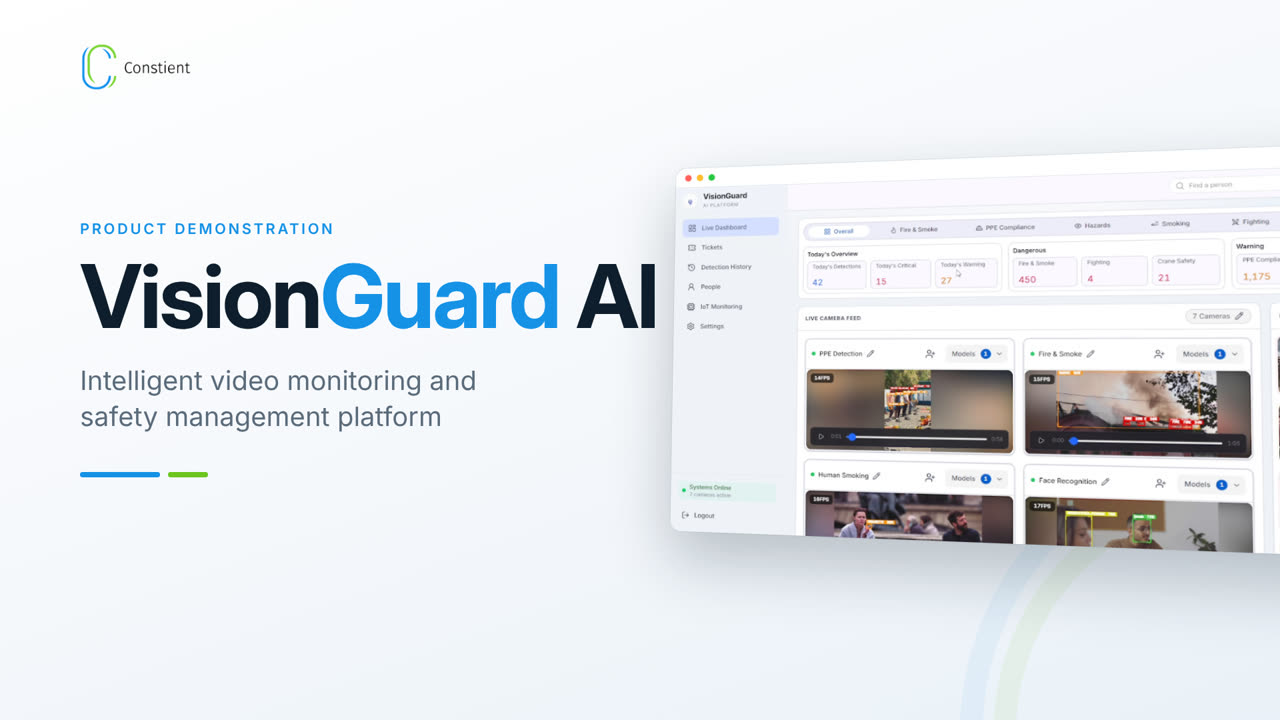
VisionGuard AI
PPE, fire and smoke, spills, crane zones and face recognition, with an AI guide that answers by text or voice.
Open the demo →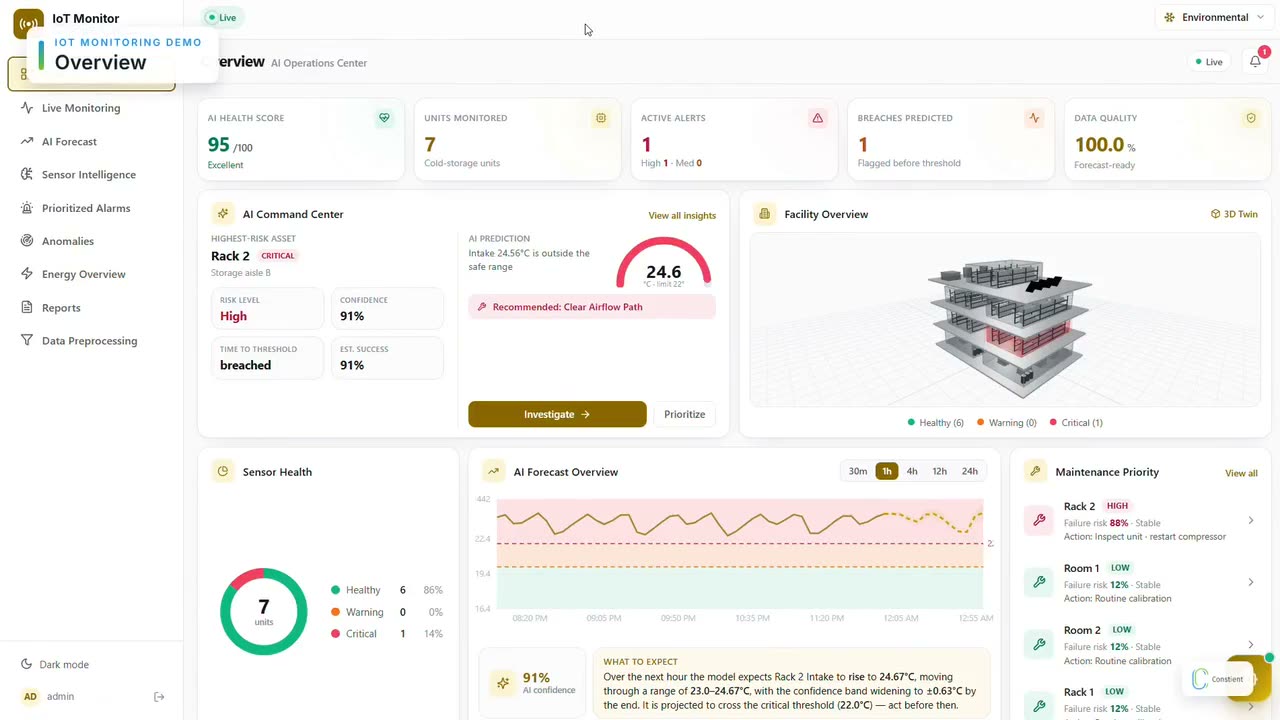
Facility AI Platform
Live monitoring, forecasts, prioritized alarms and the 3D facility twin, with an AI guide that answers by text or voice.
Open the demo →Live demo with AI guideAP Automation
Invoice intake, AI extraction, matching and ERP posting, shown live by our engineers.
Open the demo →Live demo with AI guideAR Automation
Cash application, exception handling and receivables visibility, shown live by our engineers.
Open the demo →Live demo with AI guideBusiness Central
Extensions, integrations and reporting on Dynamics 365 Business Central, shown live by our consultants.
Open the demo →Live demo with AI guideAI Digital Employee
Routine tasks in your everyday applications, human handover and a full activity log, shown live.
Open the demo →Live demo with AI guideA24 Hospitality Intelligence
Guest assistant, bookings, room service and checkout across your properties.
Open the demo →Live demo with AI guideAI Order Automation
Purchase orders from email, PDF and portals turned into ERP sales orders, with risk checks and invoicing.
Open the demo →Live demo with AI guideAI Restaurant Ordering Assistant
Menu to payment in one conversation over web chat, WhatsApp and voice, connected to your POS.
Open the demo →Live demo with AI guideCRM & HRMS Platform
Sales, people and timesheets in one platform, with the AI features that work today.
Open the demo →What happens after the demo?
If something in the demo fits a problem you have, the next step is a working session, not a proposal. We look at fit against your workflow, the systems the product would need to talk to, deployment architecture, access control and data handling, then agree the scope of a time-boxed pilot on your own data.
Demo features depend on the current state of the demonstration platform and may differ from a production deployment. Our products page describes each product as it ships.
Frequently asked questions
Do I leave the Constient website to use a demo?
No. Each demo plays on its product page on constient.com. The video is served from this site and your questions reach the AI guide through this site too, so nothing opens in a new window or on another domain. The guide answers from the demo material for that product and links each answer to the moment in the video that shows it.
What should I do if a demo does not play?
Reload the page first. Some corporate networks block video or microphone access, and the AI guide needs JavaScript. If the video or the guide still does not work, contact us and we will arrange a guided screen-share demo at a time that suits your team, in your time zone, with an engineer rather than a recording.
Are product demonstrations production environments?
No. The demos use sample data and illustrate how each product works; they are not connected to any client system. For an actual deployment we work with you on access control, data handling, hosting region and readiness for your environment, and we measure accuracy on your own data during a pilot run rather than quoting figures from the demo.
Can I see a product that has no interactive demo here?
Yes. Our engineers can show any Constient product in a live walkthrough. Ask through the contact page and tell us which workflow you want to see; we tailor the walkthrough to it.
What happens to the questions I ask the AI guide?
Your question goes to our demo platform, which answers from the approved material for that product. Spoken questions are turned into text first. Questions are stored so our team can improve the answers and follow up on anything the guide could not cover. Please do not share personal or confidential information with the guide; for anything specific to your business, talk to our team directly.
Discuss your use case
Seen something relevant? Tell us about the workflow, the systems involved and where the data must stay, and we will scope a pilot.